Crimson Desert Looks Awful on Your PS5? Pearl Abyss Confirms This Setting Is to Blame
A breathtaking RPG turned into a blurry slideshow by a single TV setting: that’s the nasty surprise awaiting PS5 players at the launch of Crimson Desert. Luckily, the fix is just two clicks away.
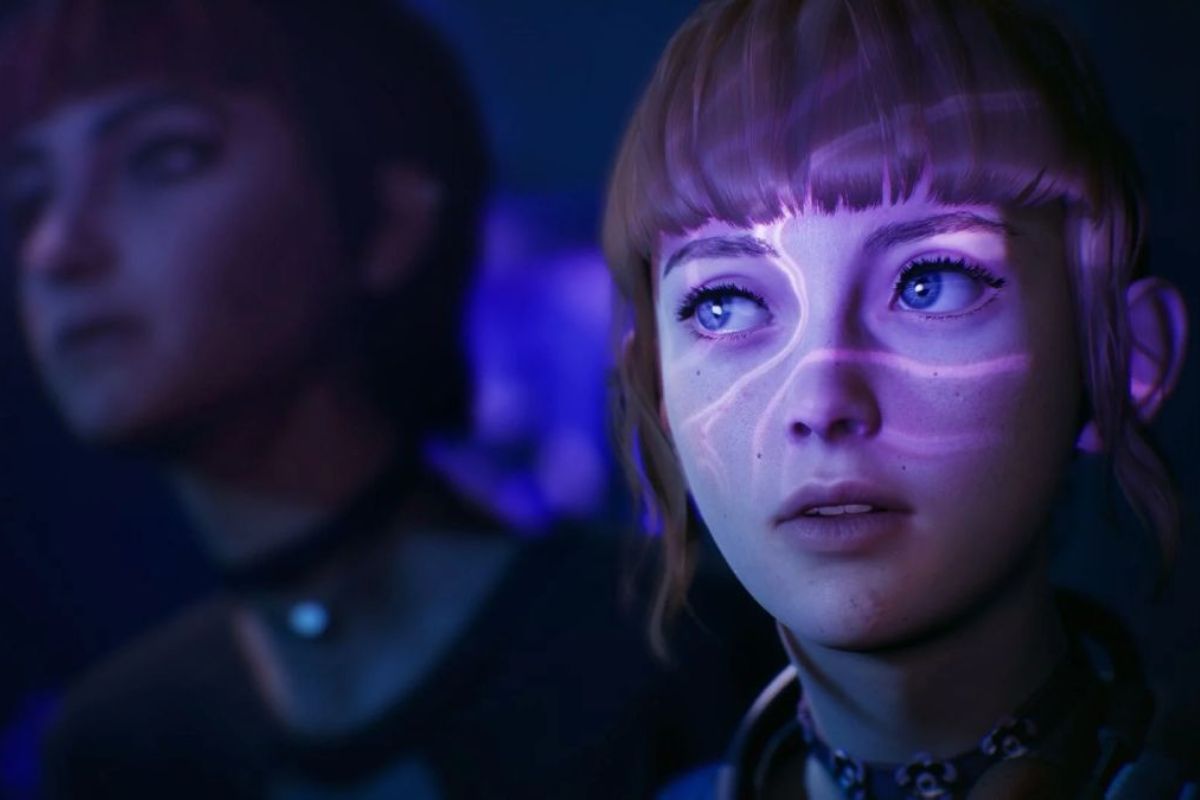
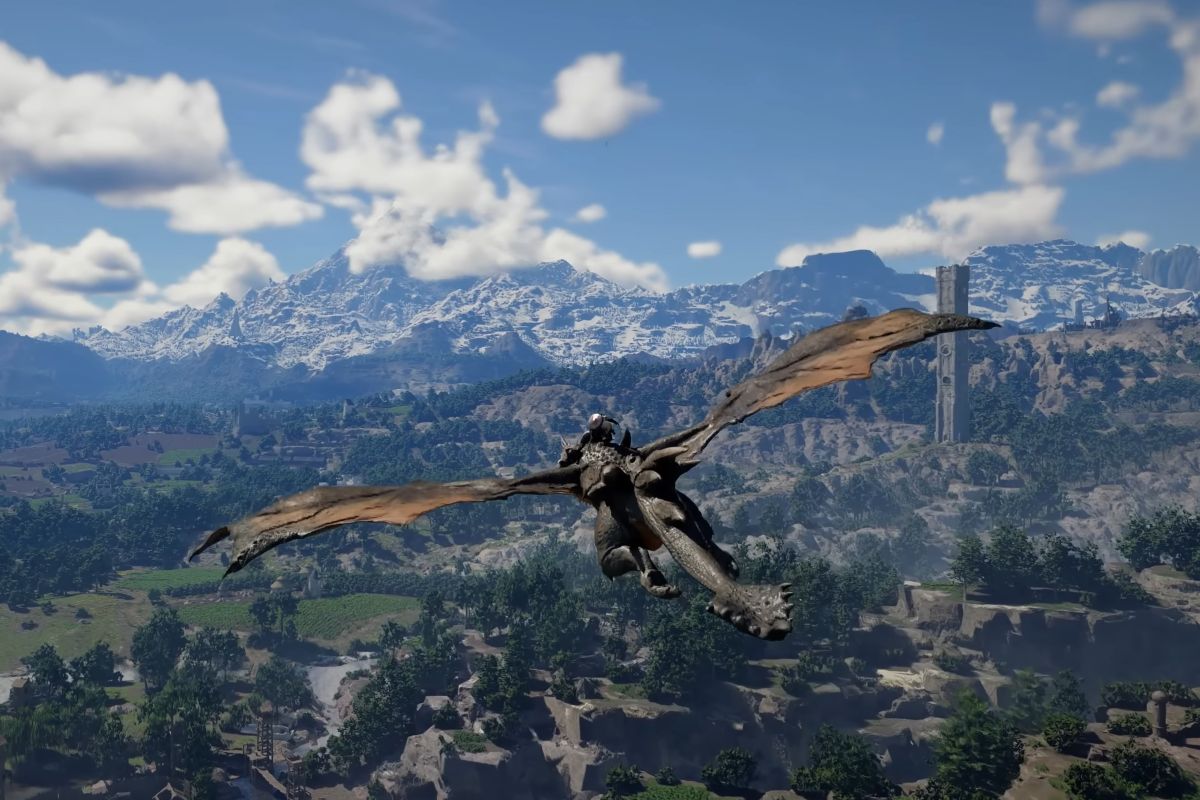
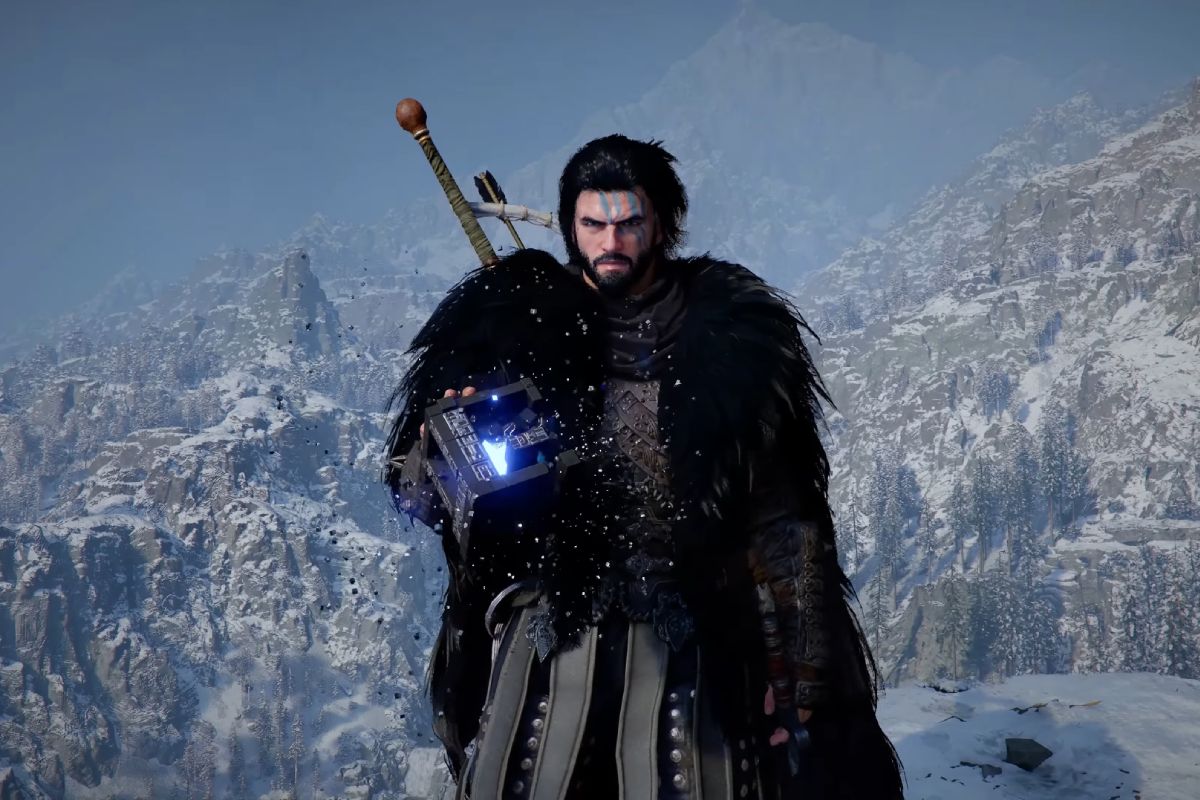
Crimson Desert was supposed to be a visual knockout. And it is—unless your PS5 is secretly sabotaging your experience. Since launch, forums have been flooded with disastrous screenshots from base PS5 users, while the PS5 Pro is already showing off. The culprit? A buried console setting, finally explaining the early PS5 performance worries.
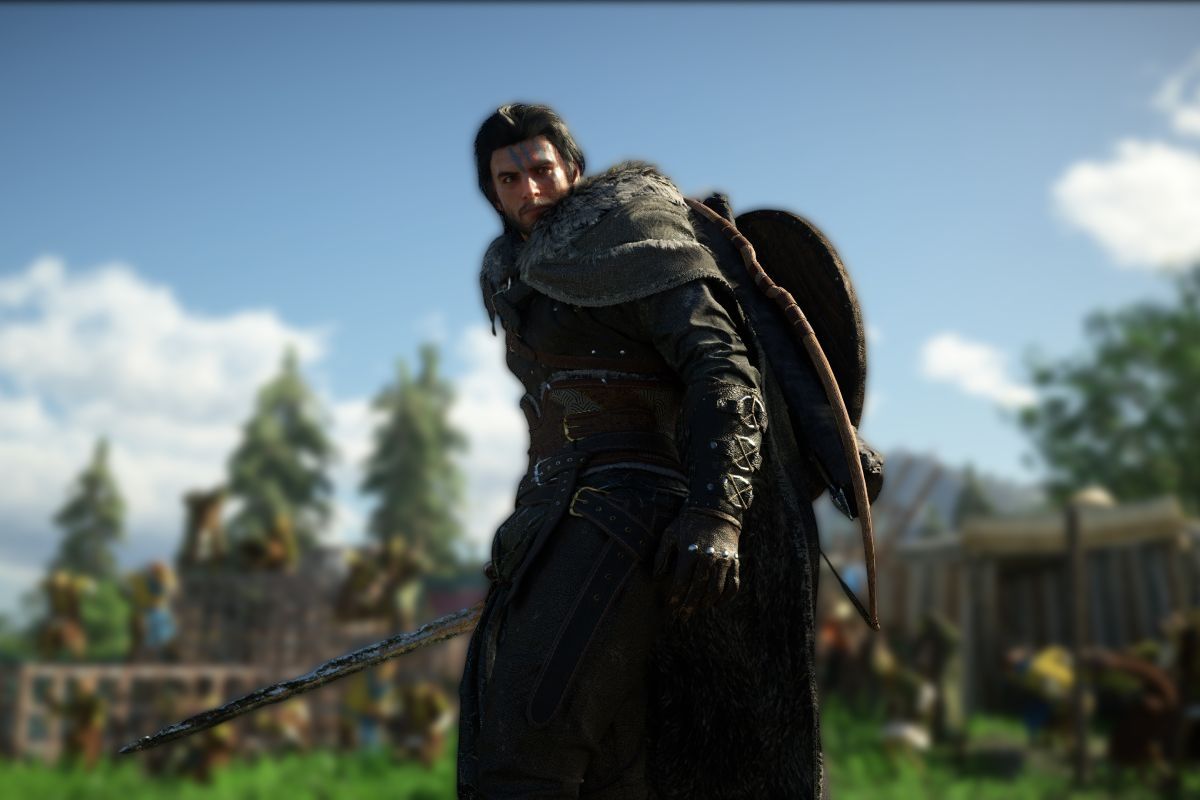
Image credit: Pearl Abyss


The bug that ruins everything: when Crimson Desert looks like a PS4 game
The story’s always the same. A player boots up Crimson Desert on their PS5, hyped to see the epic landscapes Pearl Abyss promised. And then—bam: missing textures, blurry visuals, washed-out colors. It looks like a last-gen game. Reddit and X exploded with complaints within hours. “Anyone else getting this insane blur in Crimson Desert?” asked one Redditor, quickly joined by dozens more facing the same visual nightmare.
The PS5 Pro comparison just rubs salt in the wound. Vanilson Pereira posted jaw-dropping side-by-sides on X: “I didn’t change any in-game settings, this is just how it looks by default—no textures at all. But on my friend’s PS5 Pro, the game is gorgeous with amazing textures.”
— () date
But the real culprit isn’t the game or the base PS5’s power. The problem hits when your console is set to output 120Hz, but your TV can’t handle 4K at that refresh rate. Crimson Desert tries to use a display mode your screen can’t actually show, causing a massive drop in resolution and ugly visual artifacts. This bug could hit a huge chunk of base PS5 owners, since most mainstream TVs still don’t support 4K120.
The official fix confirmed by Pearl Abyss (and Digital Foundry)
Good news: you don’t need a patch or to wait for an update. Just dive into your PS5’s system settings—not the in-game menu—and turn off 120Hz output. Here’s how:
- Go to your PS5 Settings
- Select “Screen and Video,” then “Video Output”
- Disable “Enable 120Hz Output”
Will Powers, PR and marketing director at Pearl Abyss, confirmed this fix on X: “My guess is you’re using one of the modes that requires a 120Hz TV, but your TV doesn’t support it.” John Linneman, technical analyst at Digital Foundry, added: “This only happens if your TV doesn’t properly support 4K120. If it does, you get true 4K. This is a specific issue for screens that accept a 120Hz signal but only at lower resolutions.”
Heads up: turning off 120Hz affects all your games. If you play other titles that use this mode (like Fortnite or Call of Duty), you’ll need to toggle it back on manually. It’s a minor hassle, but the community’s reactions say it all. “If I could kiss you through the screen, I would. Thank you,” raved one Reddit user after applying the fix.
Performance vs quality: which mode should you pick after fixing the bug?
Once the 120Hz issue is sorted, you’re left with the big question: which graphics mode to choose? On base PS5, Crimson Desert gives you three options: quality mode (upscaled 4K, 30fps, high raytracing), performance mode (1080p, 60fps, low raytracing), and balanced mode (upscaled 4K, around 40fps). Quality mode delivers a rock-solid 30fps, even in the busiest areas. Performance mode hits 60fps most of the time, with occasional dips and more texture pop-in.
The real difference is in image quality. Performance mode seriously downgrades sharpness, color, and lighting. For a divisive RPG like this, trading visual splendor for a few extra frames just isn’t worth it. Even die-hard 60fps fans are recommending quality mode here: “It feels criminal to play Crimson Desert in performance mode. It looks so much worse than quality mode that I’ll gladly take the lower framerate for better visuals.” Balanced mode is a solid compromise for those with 120Hz TVs, while the PS5 Pro is finally flexing its muscles with even better results.
Crimson Desert really is the visual spectacle it promised—if you don’t let a system setting sabotage the show. Pearl Abyss should ideally patch this behavior so new players don’t fall into the same trap. Until then, thirty seconds in your PS5 settings can turn a pixelated mess into one of the most stunning open worlds of this generation.